
Deleting Profiles from the Haqdarshak App
Deleting Profiles from the Haqdarshak App
Step 01:
Log in to https://customer.haqdarshak.com
Step 02:
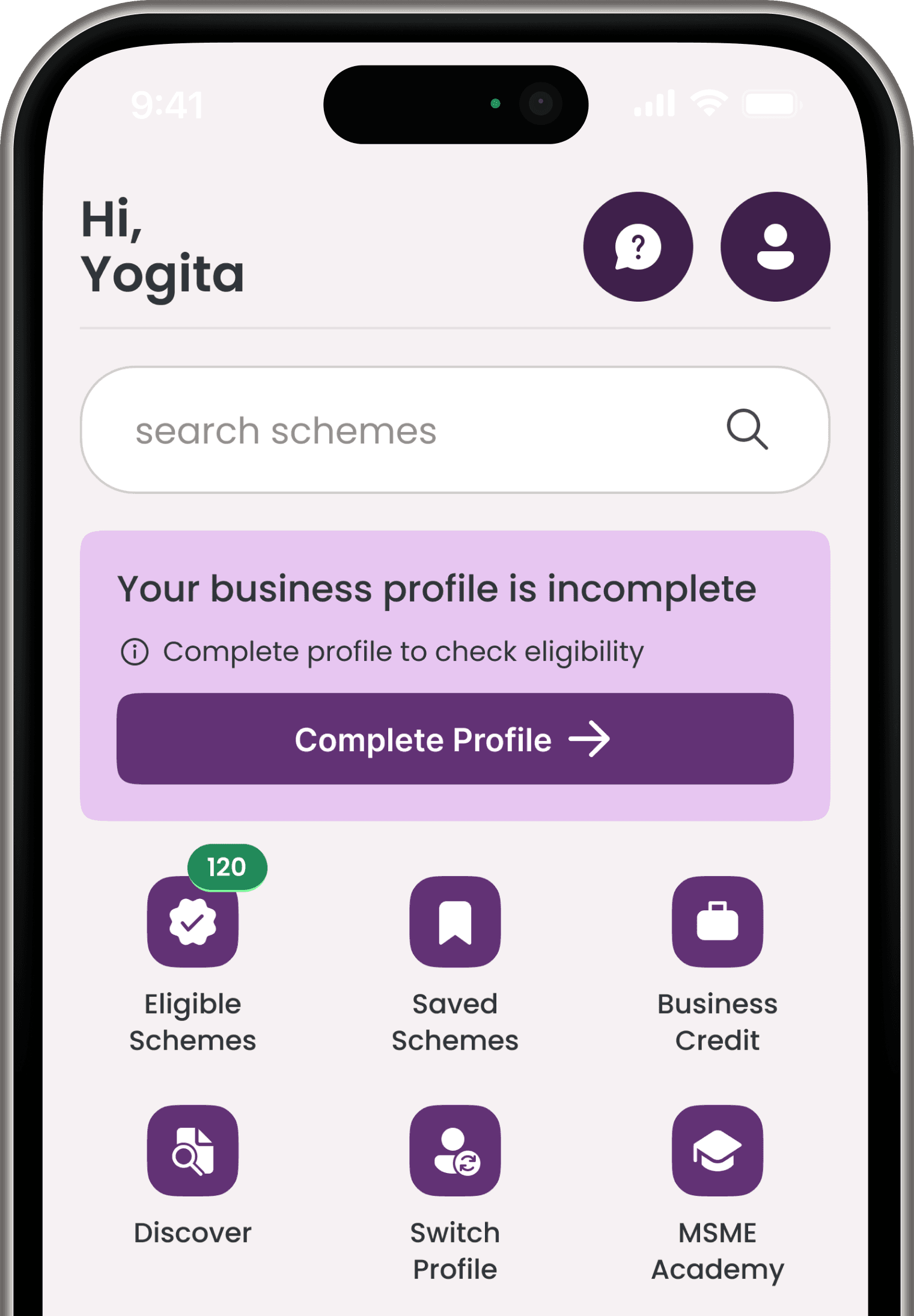
Go to the ‘Profile’ Icon on the top right corner.
Step 01:
Log in to https://customer.haqdarshak.com
Step 02:
Go to the ‘Profile’ Icon on the top right corner.
Step 01:
Log in to https://customer.haqdarshak.com
Step 02:
Go to the ‘Profile’ Icon on the top right corner.
Step 03:
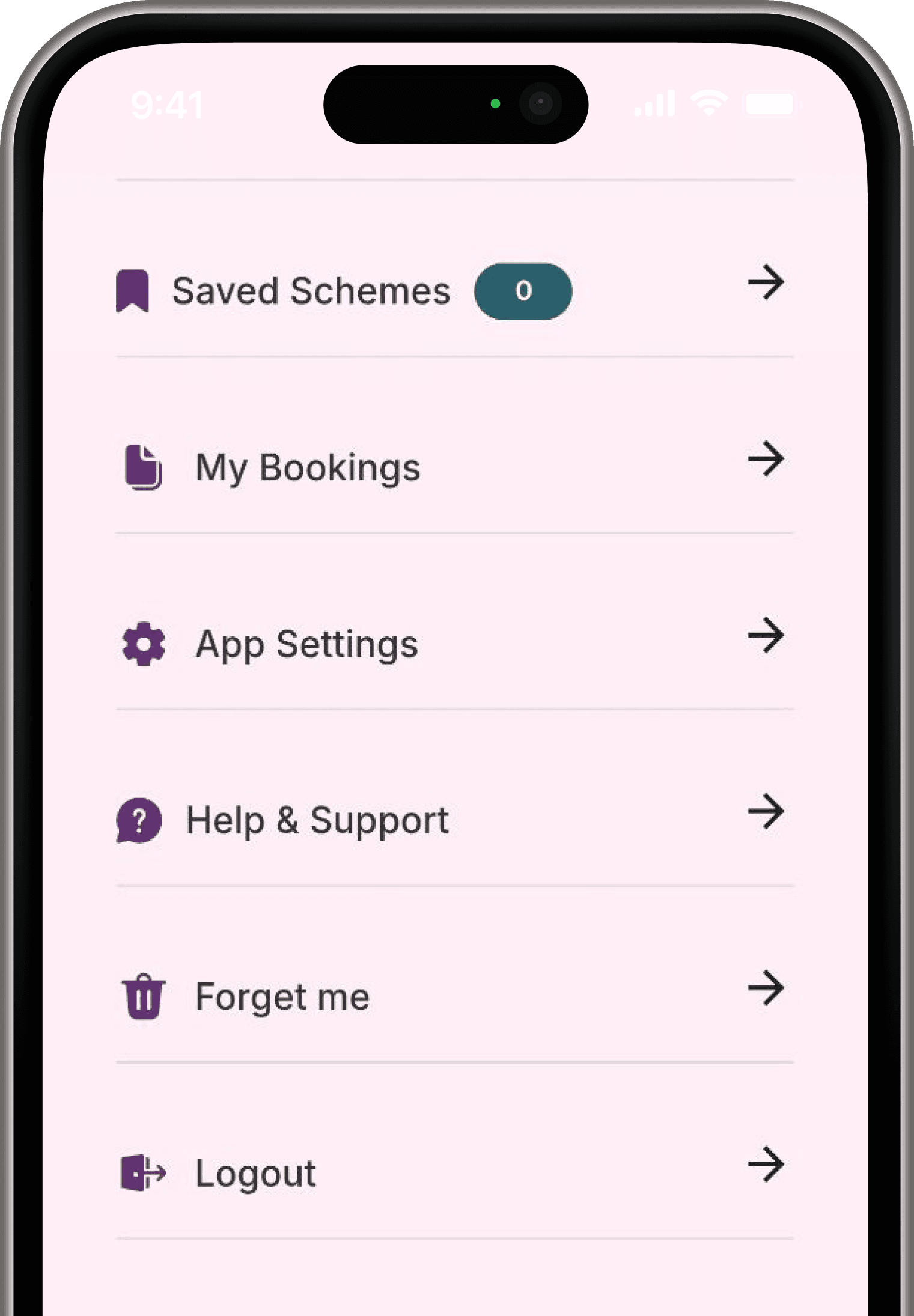
Use the ‘Forget Me’ option at the bottom of the screen to delete your profile from the Haqdarshak App.
Step 03:
Use the ‘Forget Me’ option at the bottom of the screen to delete your profile from the Haqdarshak App.
Step 03:
Use the ‘Forget Me’ option at the bottom of the screen to delete your profile from the Haqdarshak App.